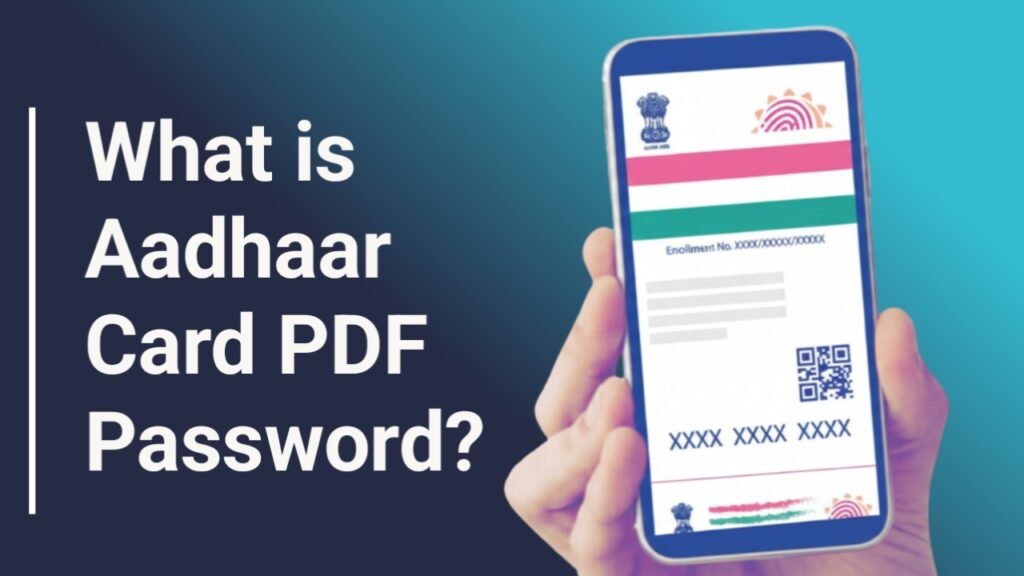
An Aadhaar Card carries a 12-digit unique identification number issued by UIDAI to Indian residents. Along with the Aadhaar number, it stores important biometric and demographic details such as name, address, date of birth, and fingerprints. If this information is not protected, it may lead to misuse or privacy risks.
To safeguard this sensitive data, UIDAI provides the e-Aadhaar as a password-protected PDF file. This ensures that only the Aadhaar holder can access and use the document whenever required.
What is the e-Aadhaar PDF Password?
The e-Aadhaar password is an 8-character code required to open the downloaded Aadhaar PDF file. This password is automatically generated using a fixed format defined by UIDAI.
Password Format
- First four letters of your name (as printed on Aadhaar, in CAPITAL letters)
- Year of Birth in YYYY format
- This combination makes the e-Aadhaar file secure and personalized for every individual.
Aadhaar Card Password Examples
Here are some common examples to understand how the password is created:
Name: MAHESH KUMAR
Year of Birth: 1989
Password: MAHE1989
Name: RAM KUMAR
Year of Birth: 1989
Password: RAMK1989
Name: R.M. KUMAR
Year of Birth: 1989
Password: R.M.1989
Name: SAI
Year of Birth: 1989
Password: SAI1989
The password always depends on how the name appears on the Aadhaar card.
Why is Aadhaar Card Password Required?
UIDAI uses password protection to enhance the security of digital Aadhaar documents. Although PDF files are already considered safe, adding a password offers an extra layer of protection.
Key Reasons for Password Protection –
- Prevents unauthorized access to Aadhaar data.
- Protects personal and biometric information.
- Ensures privacy of the Aadhaar holder.
- Allows access only when the user wants to use the document.
In short, Aadhaar PDF password helps keep your identity secure in digital form.
How to Download e-Aadhaar Card Online
You can download your e-Aadhaar card from the official UIDAI website by following these steps:
Step 1: Visit https://eaadhaar.uidai.gov.in/ and click on “Download Aadhaar”.
Select one of the following options:
- Enrolment ID (EID)
- Aadhaar Number
- Virtual ID (VID)
Step 2 – Enter the captcha code shown on the screen and click “Send OTP”.
You will receive an OTP on your registered mobile number.
Step 3: Enter the OTP and click “Verify & Download”.
You may also choose the Masked Aadhaar option if required.
A password-protected e-Aadhaar PDF will be downloaded to your device.
How to Open e-Aadhaar PDF File
Since the e-Aadhaar file is password protected, you need to enter the correct password to open it.
Example:
Name: Harsh
Year of Birth: 1989
Password: HARS1989
Once the file is opened, you can view, save, or print your e-Aadhaar card.