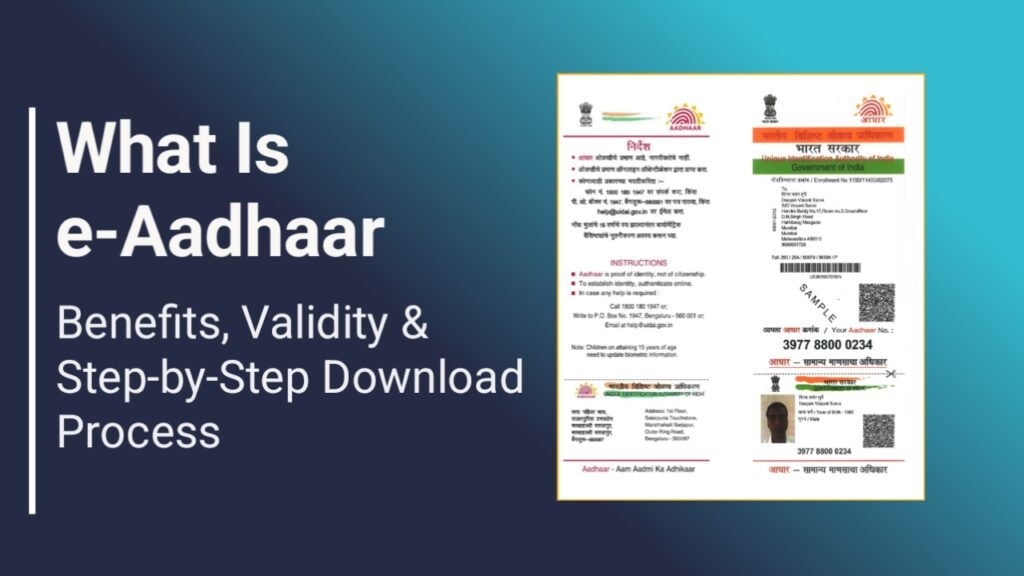
In today’s digital India, e-Aadhaar has become one of the most convenient and trusted identity documents. Issued by Unique Identification Authority of India (UIDAI), e-Aadhaar is a password-protected digital copy of your Aadhaar card, carrying same legal validity as physical Aadhaar under Aadhaar Act. It is digitally signed by UIDAI, making it safe, authentic, and widely accepted.
What is e-Aadhaar?
e-Aadhaar is an electronic version of your Aadhaar Card that can be downloaded online anytime. It contains all your Aadhaar details, including your photograph and QR code, and is protected with a secure password. Whether you need identity proof urgently or want a paperless solution, e-Aadhaar is the perfect option.
Key Benefits of e-Aadhaar
Instant Accessibility
You can download e-Aadhaar anytime and from anywhere using your registered mobile number. There is no need to carry a physical card that can be lost, damaged, or misplaced.
Universal Acceptance
e-Aadhaar is accepted across India for –
Opening bank accounts
Applying for passports
Filing Income Tax Returns
Domestic travel at airports and railway stations
Enhanced Security
PDF file is password-protected and digitally signed, which reduces the risk of misuse compared to photocopies of physical Aadhaar.
Eco-Friendly & Paperless
By using e-Aadhaar, you help reduce paper usage and avoid waiting for postal delivery, supporting a greener and faster system.
Real-Time Updates
Any changes made to your Aadhaar details (such as name, address, or mobile number) are instantly reflected in the downloadable e-Aadhaar.
How to Download e-Aadhaar Online
You can download your e-Aadhaar free of cost from the official myAadhaar portal. Follow these simple steps –
- Visit the official myAadhaar website and click on “Download Aadhaar”
- Choose your identifier :
- Aadhaar Number (12 digits)
- Enrolment ID (28 digits)
- Virtual ID (16 digits)
- Enter your details such as name, PIN code, and captcha
- Click “Send OTP” and verify using the OTP sent to your registered mobile number
- Select Masked Aadhaar if you want to hide the first 8 digits
- Click “Verify & Download” to save the PDF
How to Open e-Aadhaar PDF
The downloaded file is protected with an 8-character password:
- First 4 letters of your name in CAPITAL letters
- Followed by your year of birth (YYYY)
- Example: Name AMIT, Birth Year 1990 → Password: AMIT1990
How to generate e-aadhaar PDF Password ?
- First of all, visit the e-Aadhaar Password Generator website https://eaadhaarpassword.com/ .
- After reaching the website, enter your full name in the given field.
- Then enter your date of birth correctly.
- After that, fill the captcha code shown in the box.
- Finally, click on “Generate Password” option.
- As soon as you click, your 8-digit e-Aadhaar PDF password will appear on the screen below.
This password can be used to open your e-Aadhaar PDF file securely.
e-Aadhaar is a smart, secure, and reliable identity solution for every Indian citizen in the digital era.